
SmartSign
Send PDFs for electronic signature straight from any monday.com item. Signers verify, sign on any device, and the completed documents land back on your board.
Launching soon — check back for availability
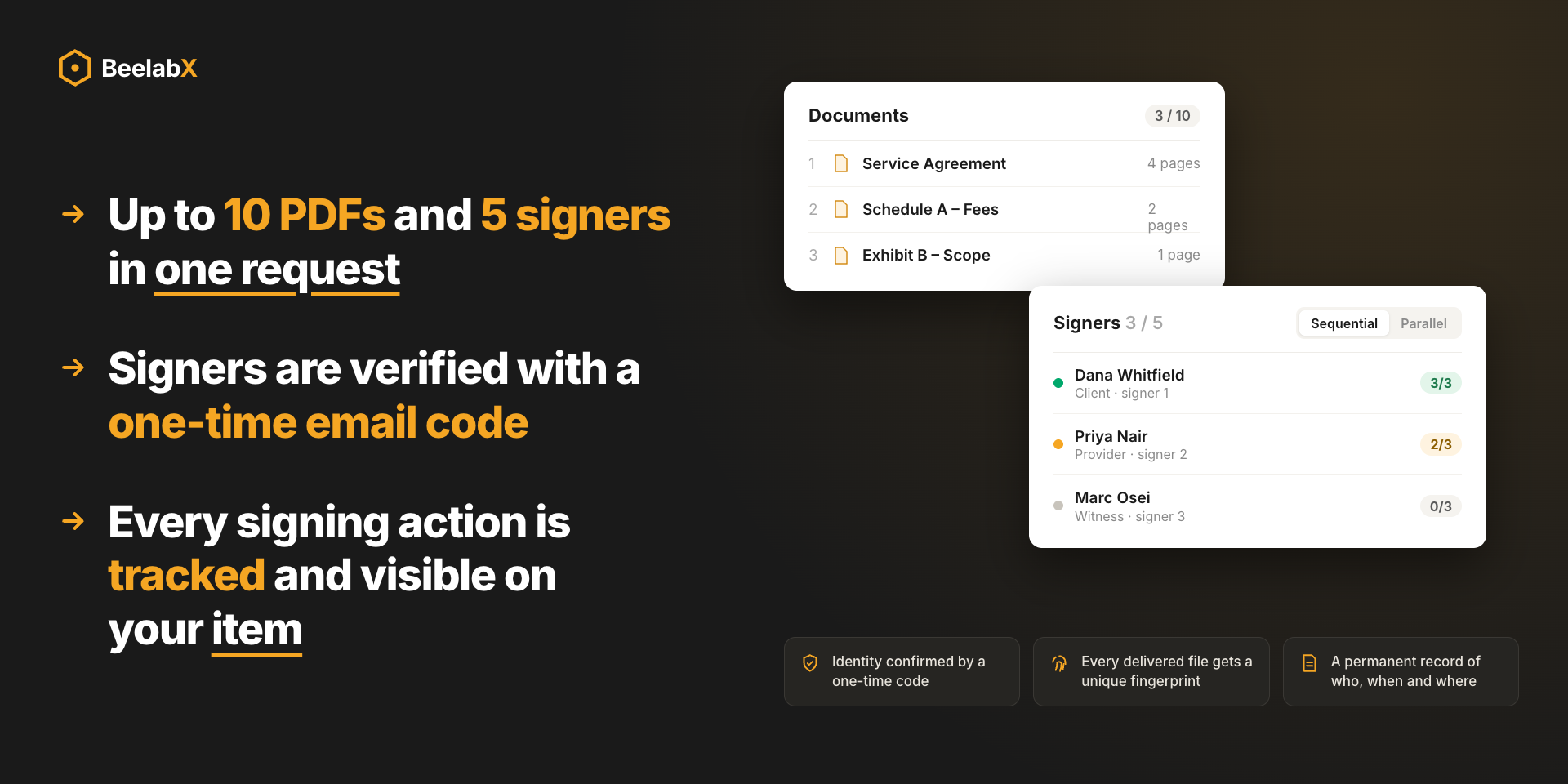
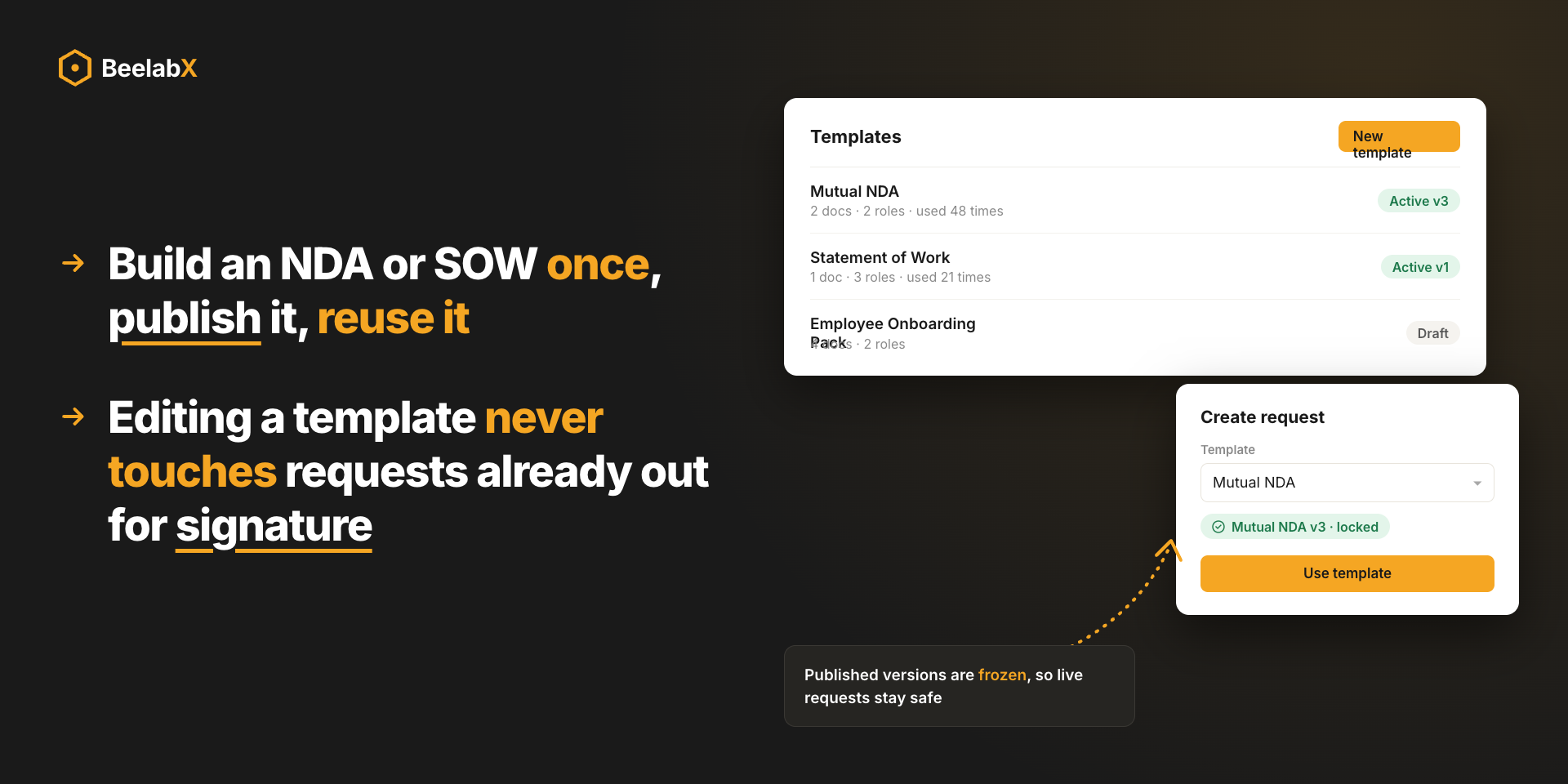
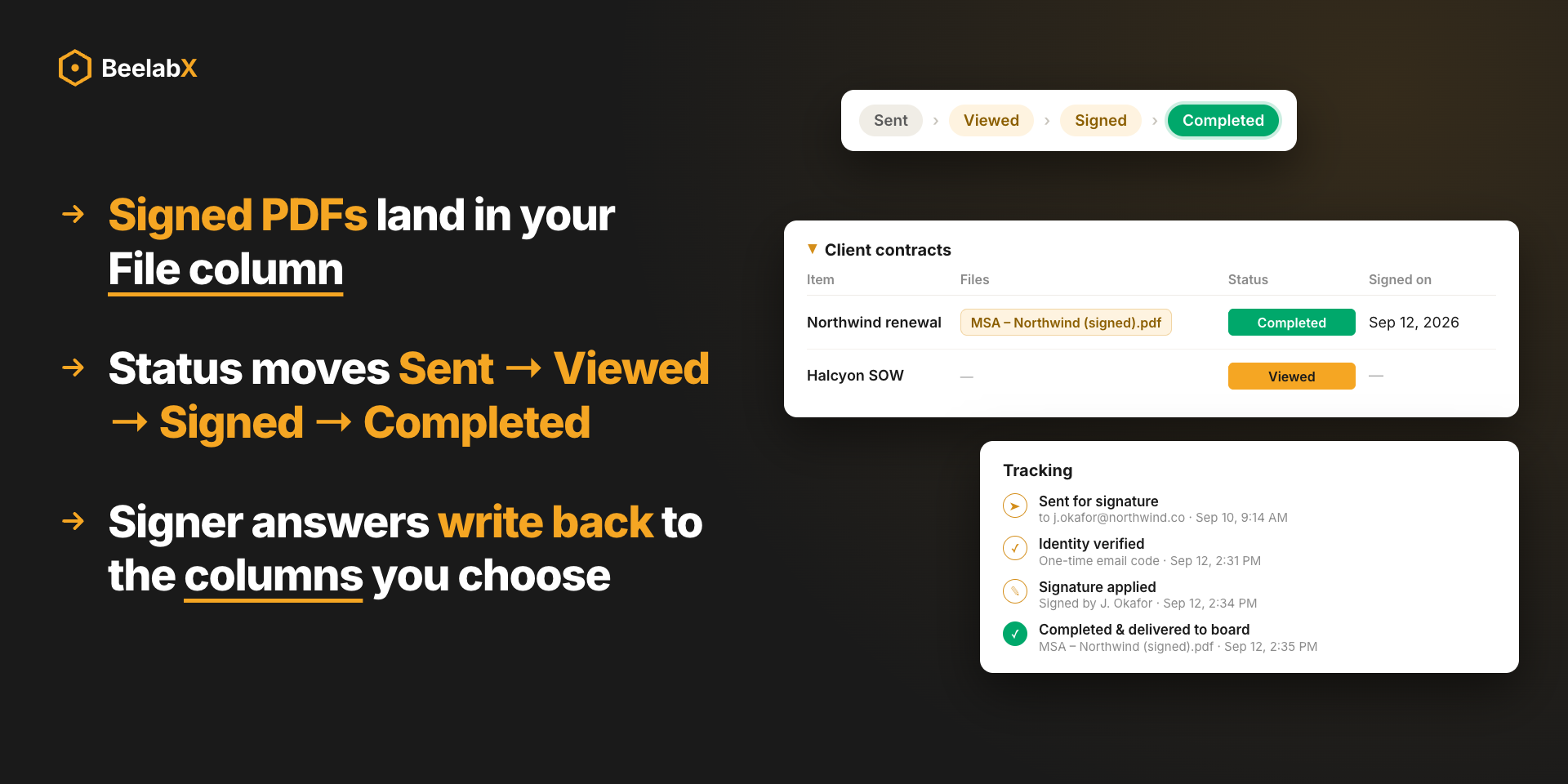
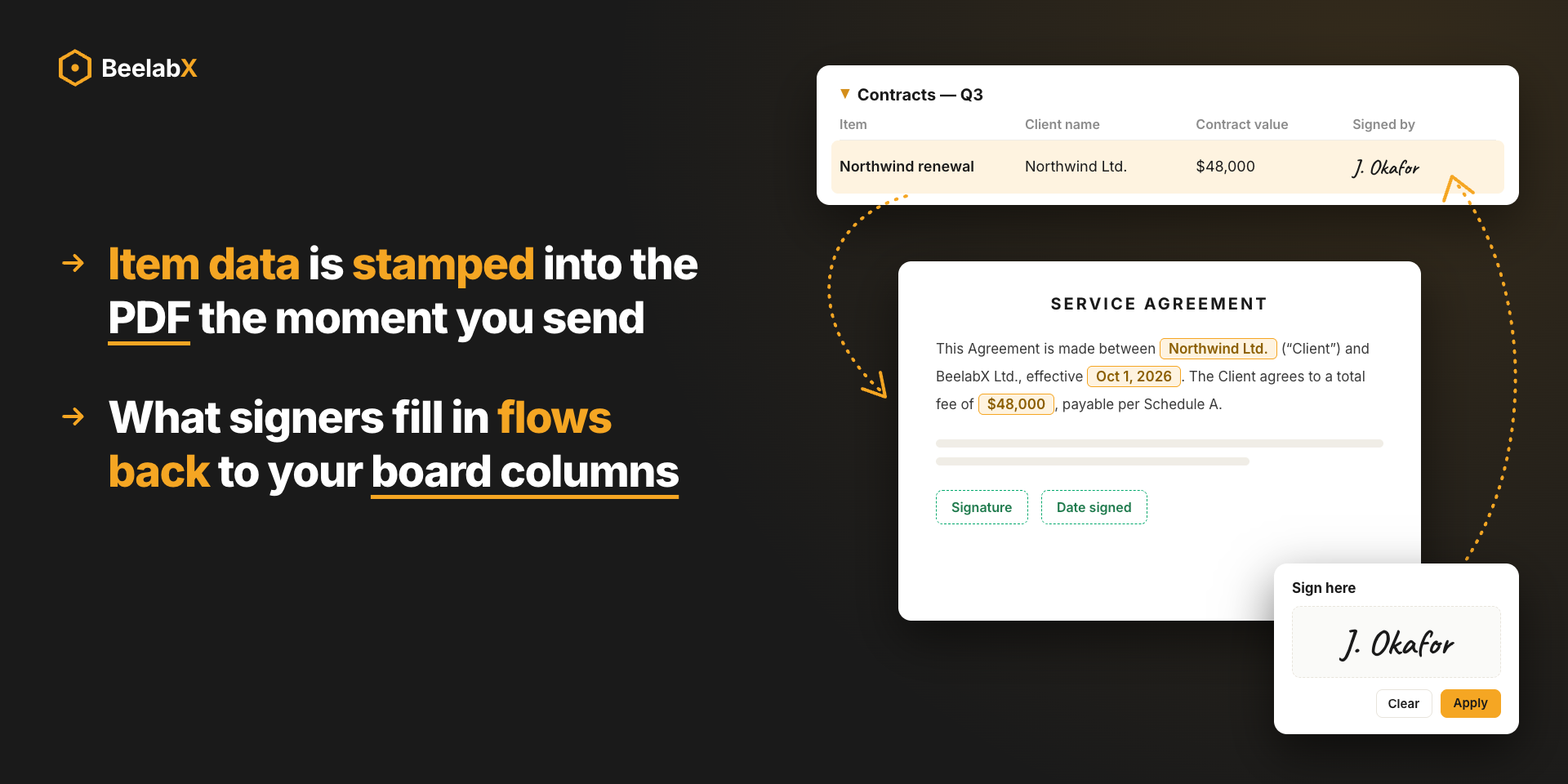
SmartSign lives as an item view, so every signature request belongs to a single record on your board. Upload a PDF, drag signature and data fields onto the page, assign signers, and send. Recipients get a secure emailed link, confirm their identity with a one-time code, and sign in minutes. When the last signer finishes, signed PDFs and a Certificate of Completion are delivered to the item automatically.
Features Included
Explore the interface and discover how this app can transform your workflow.
Select the perfect plan for your team's needs. All plans include a 14-day free trial.
For individuals and small teams sending occasional agreements
For teams with recurring contracts and approvals
For growing teams running multi-signer workflows
For high-volume teams across multiple boards
For large organizations with enterprise signing needs
Need a custom plan for your enterprise? Contact Sales
Get up and running in minutes with our simple installation process.
Open the monday.com Marketplace
Find and install the app directly from the monday.com Marketplace with one click.
- Select 'Apps Marketplace' from the menu
- Use the search bar to find the app by BeelabX
Install the App
Complete the basic configuration to get started with the app.
- Choose the workspace where you want to install the app
- Grant the necessary permissions when prompted
- Wait a few seconds while the app is added to your account
Install from the monday.com Marketplace
Find SmartSign by BeelabX and add it to your account.
- Select 'Apps Marketplace' and search for SmartSign
- Choose a workspace and grant the requested permissions
Add SmartSign as an Item View
Open any item on your board and add the SmartSign tab.
- Click + at the end of the item's tab row
- Search for SmartSign and select it; the tab appears on every item of the board
Configure the Board
Choose where signed documents are saved from the Settings tab.
- Set 'Save signed documents to' a File column (or create one)
- Optionally pick a Status column to track signing progress and drive automations
Send Your First Request
Upload a PDF, map fields, and send it for signature.
- Drop a PDF onto the dropzone; drafts save automatically
- Name each signer and read their email from a column or type it in
- Drag a Signature field onto the page for each signer, then click 'Send for signature'
Detailed User Guide
Complete documentation with screenshots and examples.
Need Help Getting Started?
Our support team is here to help you every step of the way.
Ready to Get Documents Signed Faster?
Send, sign, and store agreements without ever leaving your monday.com board.
Launching soon — check back for availability