
Autofill Group Name
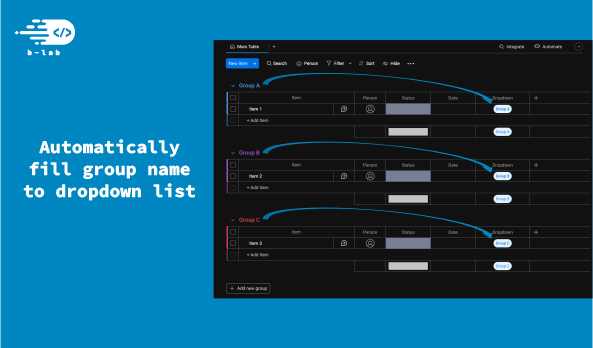
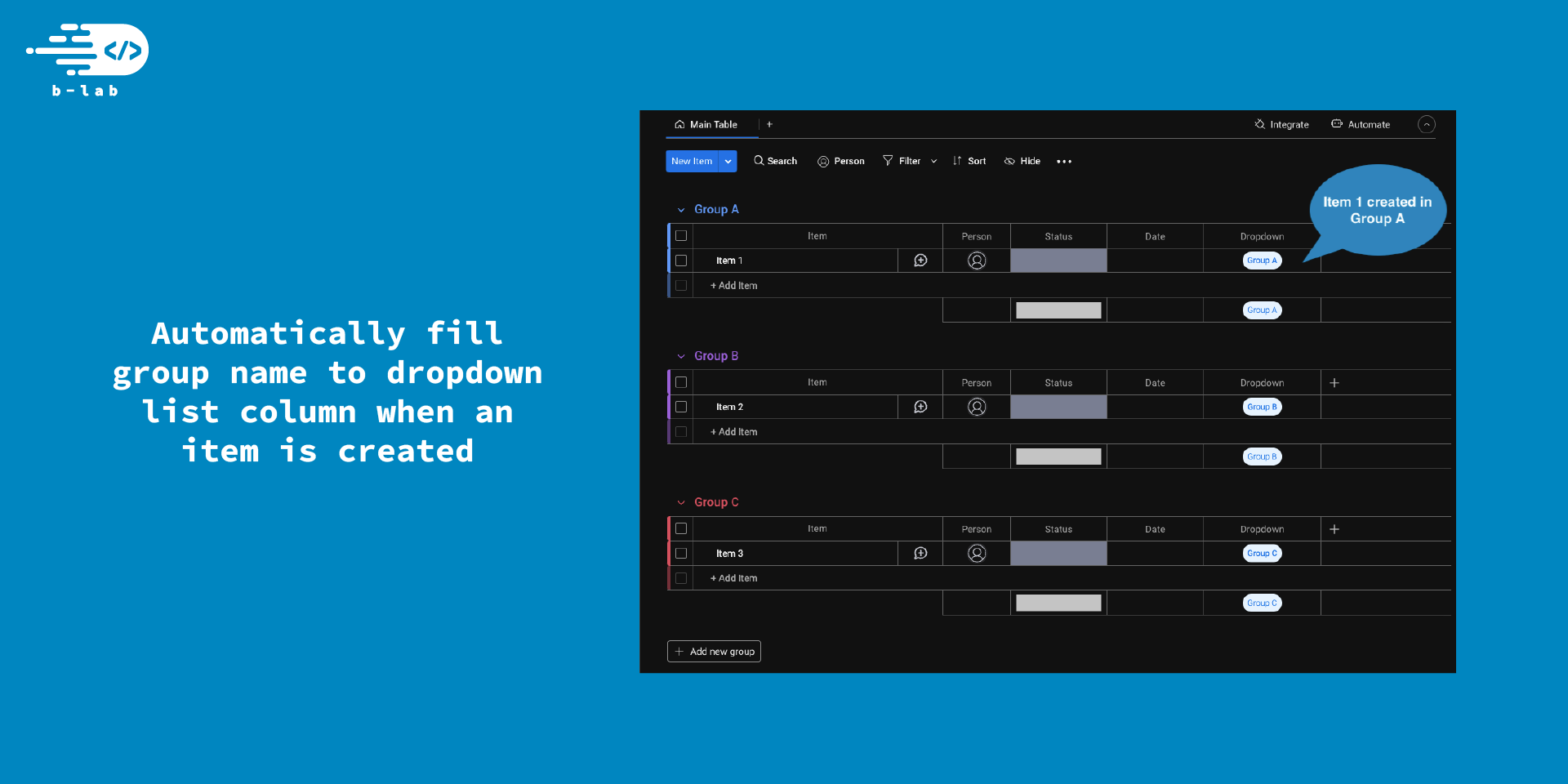
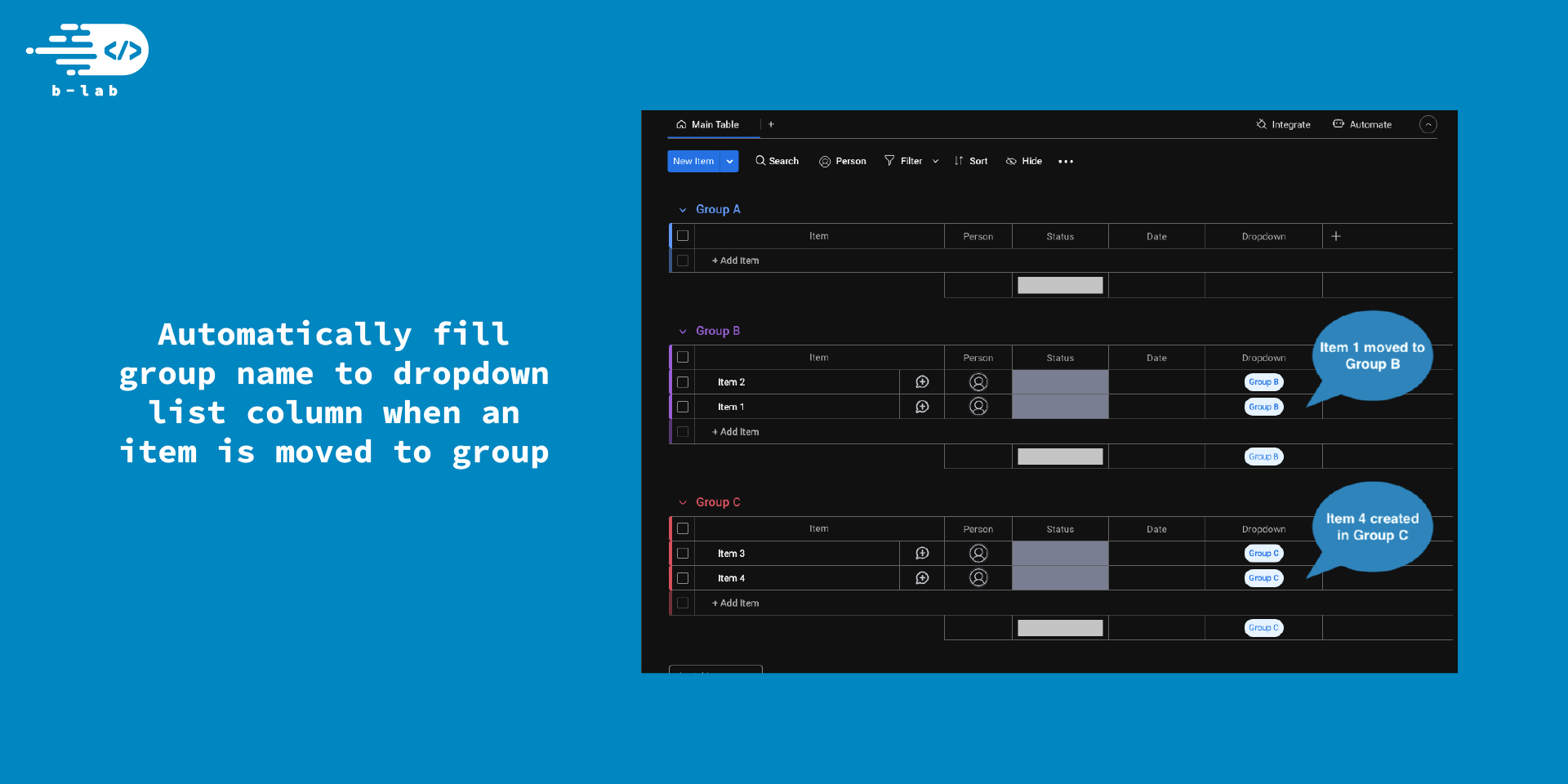
Automatically sync an item's group name to a dropdown column based on customizable automation triggers.
No credit card required · 14-day free trial · Cancel anytime
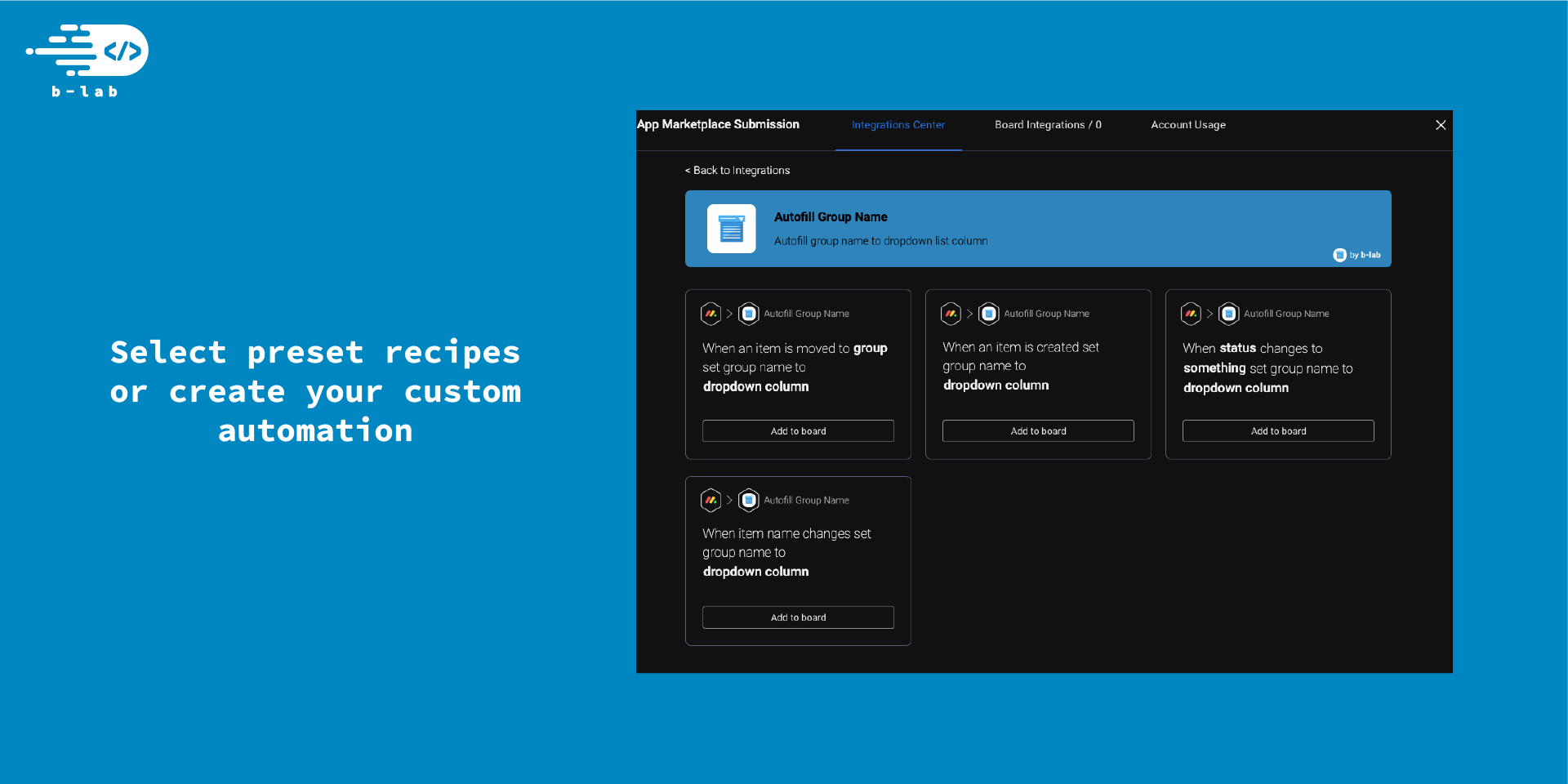
Autofill Group Name helps you automate your board by inserting the name of the item's group into a dropdown column. Whether an item is created, moved, renamed, or updated, this app ensures your dropdown always reflects the right group — without manual input.
Features Included
Explore the interface and discover how this app can transform your workflow.
Select the perfect plan for your team's needs. All plans include a 14-day free trial.
Perfect for small teams getting started with automation
Ideal for growing teams and organizations
Need a custom plan for your enterprise? Contact Sales
Get up and running in minutes with our simple installation process.
Open the monday.com Marketplace
Find and install the app directly from the monday.com Marketplace with one click.
- Select 'Apps Marketplace' from the menu
- Use the search bar to find the app by BeelabX
Install the App
Complete the basic configuration to get started with the app.
- Choose the workspace where you want to install the app
- Grant the necessary permissions when prompted
- Wait a few seconds while the app is added to your account
Access the App in Your Board
Go to any board and open the automation center to start using the app.
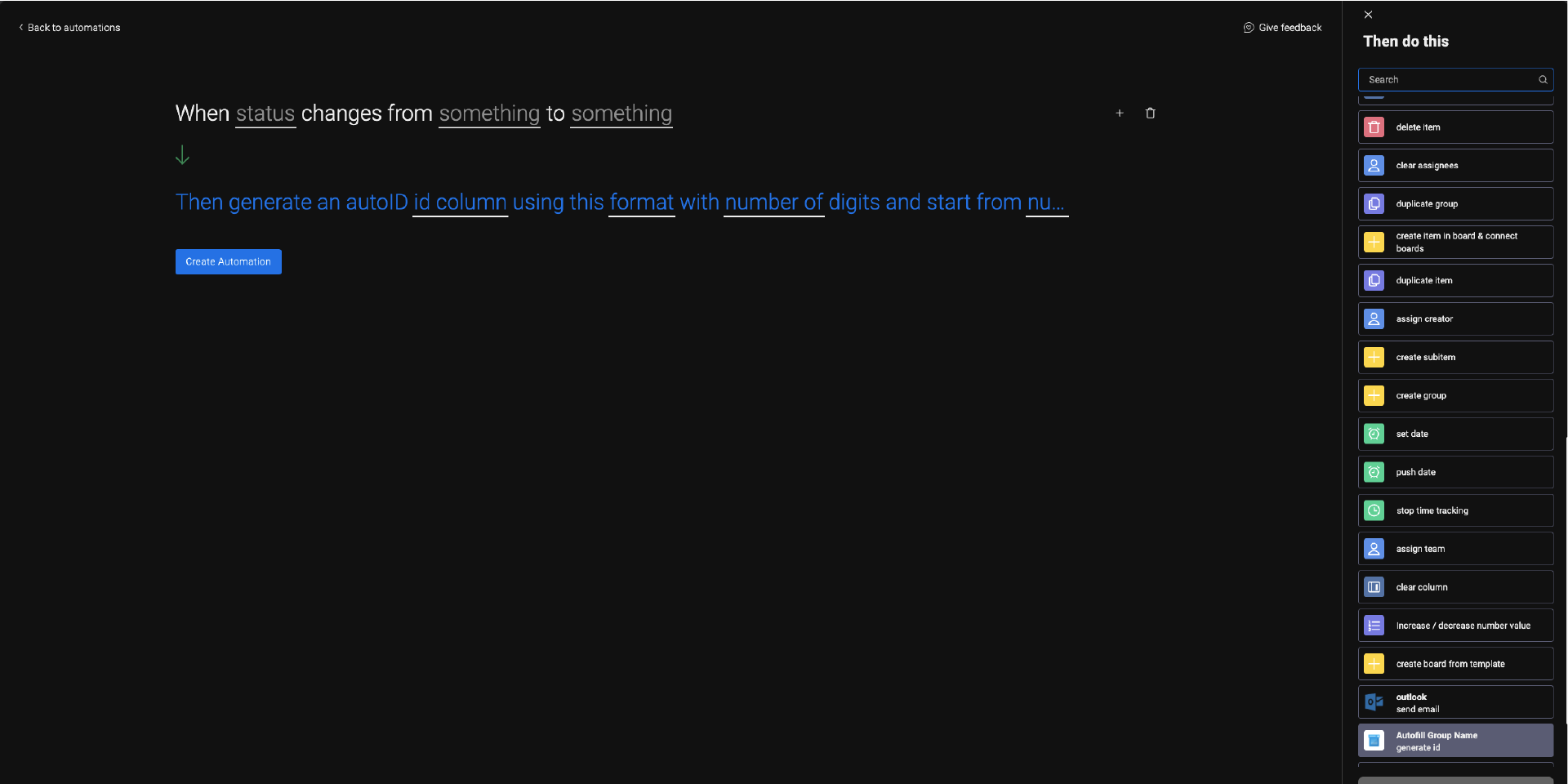
- Click on 'Automations' > 'Create a Custom Automation'
- Search for one of the 'Autofill Group Name' recipes
- Follow the on-screen instructions or use the User Guide link below
Detailed User Guide
Complete documentation with screenshots and examples.
Need Help Getting Started?
Our support team is here to help you every step of the way.
Ready to Transform Your Workflow?
Join thousands of teams already using Autofill Group Name to boost their productivity and streamline their monday.com workflows.
No credit card required · 14-day free trial · Cancel anytime